Daily clippers
A daily clipper writes to today's daily note.
- Clipper finds the note using your daily note settings (folder and date format) from the core Daily notes plugin, or from Periodic Notes if you use it for daily notes.
- If today's note doesn't exist yet, Clipper creates it from your daily note template, then adds the clipping.
- If neither plugin is set up for daily notes, Clipper shows a notice and writes nothing.
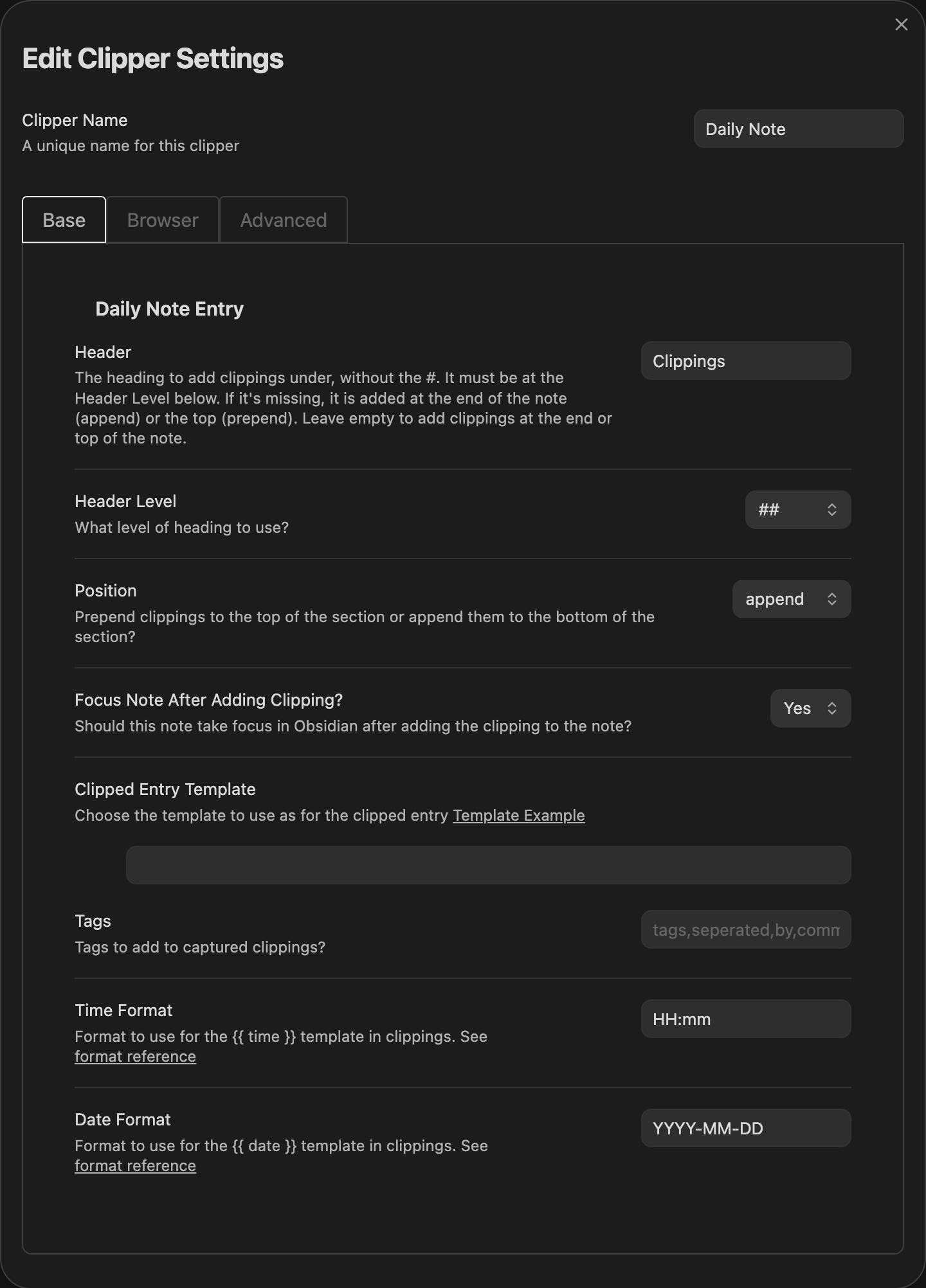
The settings on this tab are described in Base settings.
Example
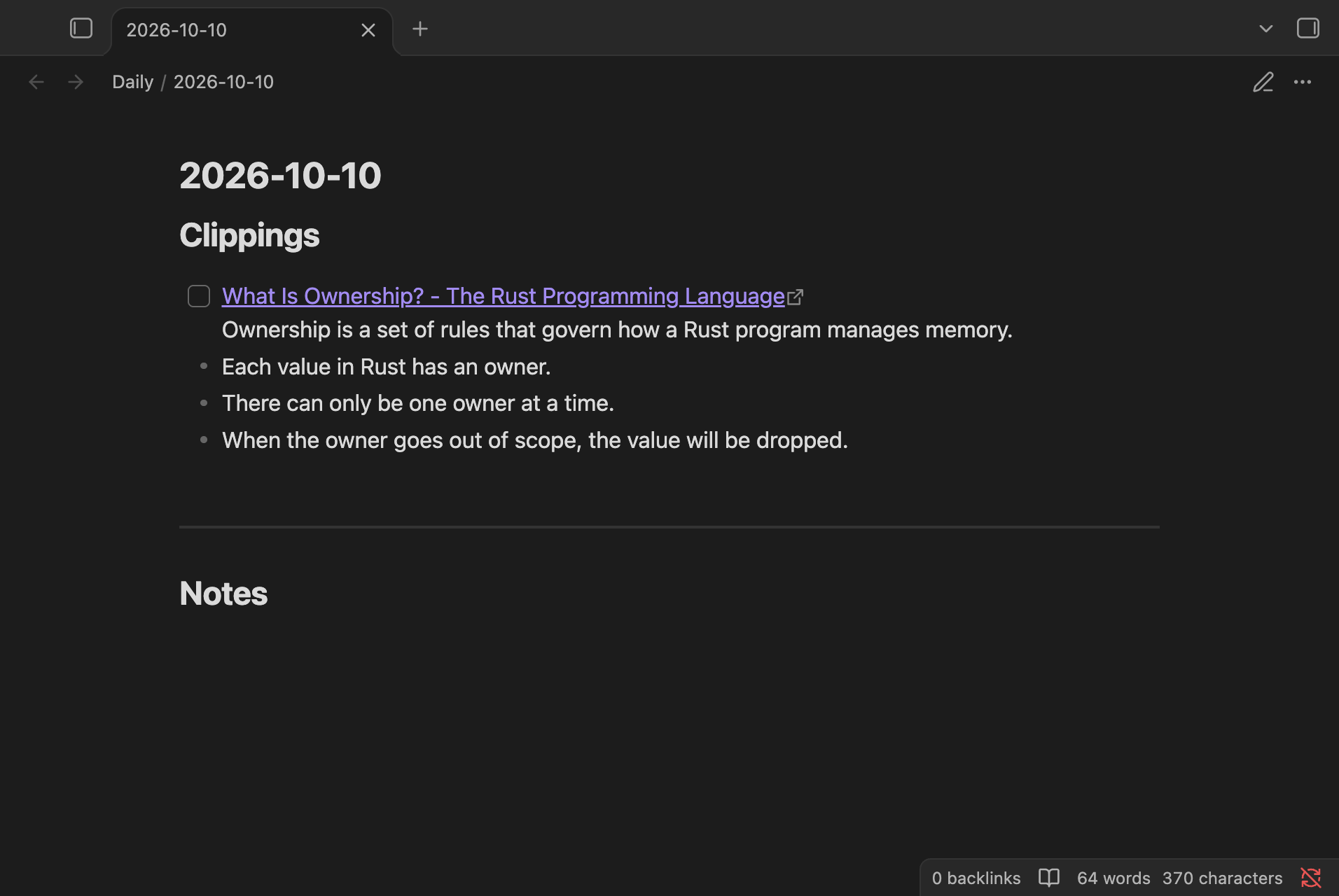
With Header set to Clippings at level ##, and a daily template that already has a ## Clippings heading, a clipping lands like this:
tip
Put the clipper's heading in your daily note template. Then every new daily note already has the section, and clippings line up in the same place each day.