Upgrading from 0.x
Version 1.0 replaces the single set of settings with clippers. Each clipper has its own note, settings, and bookmarklet.
What happens to your settings
The first time 1.0 loads, it converts your old settings:
- If Use Daily Note was on, you get a daily clipper. If Use Weekly Note was on, you get a weekly clipper.
- Each takes its name and heading from the old note heading, and keeps your tags, time and date formats, position, open-after-clipping choice, template, comment setting, and advanced storage settings.
- Header Level is set to
#, which matches how 0.x found headings.
Topic notes were never stored in 0.x settings, so they aren't converted. You get a clipper for a topic note the first time you use its old bookmarklet, as described below.
Replace your old bookmarklets
Old bookmarklets don't know which clipper to use, so 1.0 doesn't save clippings sent from them. Instead it shows a dialog explaining what to do. Re-select the text after installing the new bookmarklet.
Old daily or weekly bookmarklet:
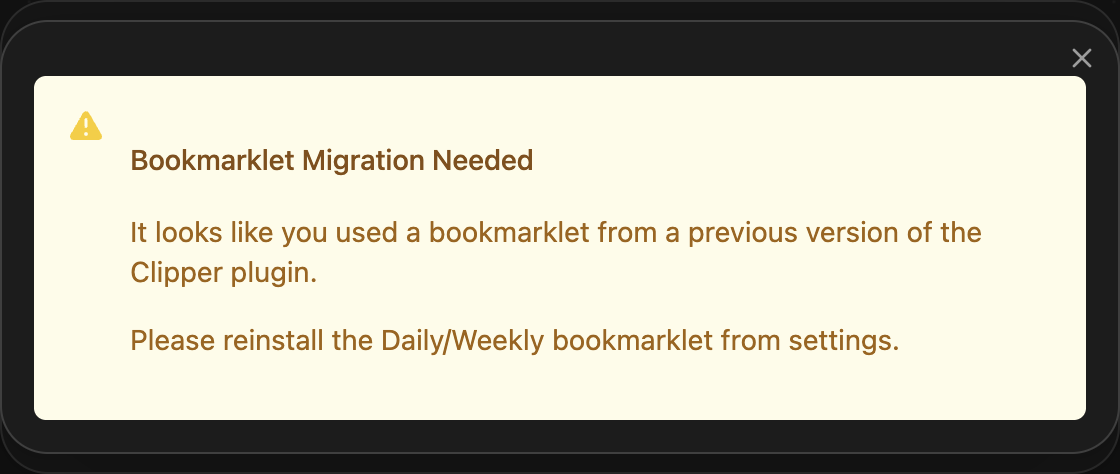
Closing the dialog opens Clipper's settings. Open your daily or weekly clipper, drag its new bookmarklet from the Browser tab, and delete the old bookmark.
Old topic note bookmarklet:
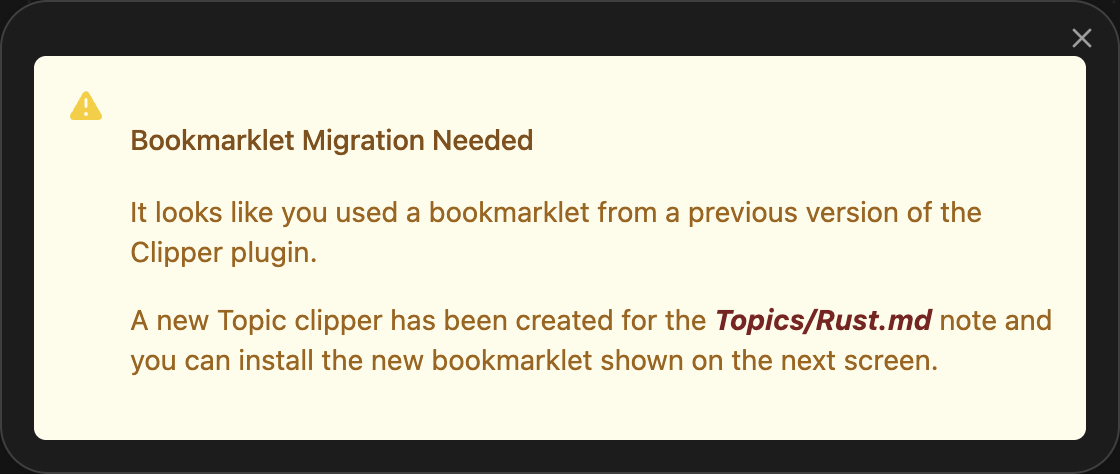
Closing the dialog creates a topic clipper for that note and opens its Browser tab. Drag the new bookmarklet and delete the old one.
An old canvas bookmarklet shows the same dialog and creates a canvas clipper for that canvas.
Other changes
- Headings in clippings. The six H1 to H6 replacement settings are gone. Clipped headings are nested below the clipper's heading automatically. See What gets converted.
- Heading levels. 0.x only found level-1 headings. 1.0 uses the clipper's Header Level, and adds the heading if it's missing.
- Topic notes have their own settings, including a heading, instead of sharing one set.
- Canvas is a regular clipper type. The experimental setting is gone.
- Tables no longer need the Advanced Tables plugin.
- Commands. The Vault Bookmarklet and Topic Bookmarklet commands are replaced by the ones in Commands.