Using the bookmarklet
Install it
Open the clipper's settings, go to the Browser tab, and drag the link with the clipper's name to your bookmarks bar. If your bookmarks bar is hidden, show it first: in most browsers, View → Always Show Bookmarks Bar, or Cmd/Ctrl+Shift+B.
You can also copy the bookmarklet from the Clipper view and paste it as the address of a new bookmark.
Clip
- Select the text you want on the page. You can select several separate parts.
- Click the bookmarklet.
- If your browser asks whether to open Obsidian, allow it. Most browsers let you remember the choice.
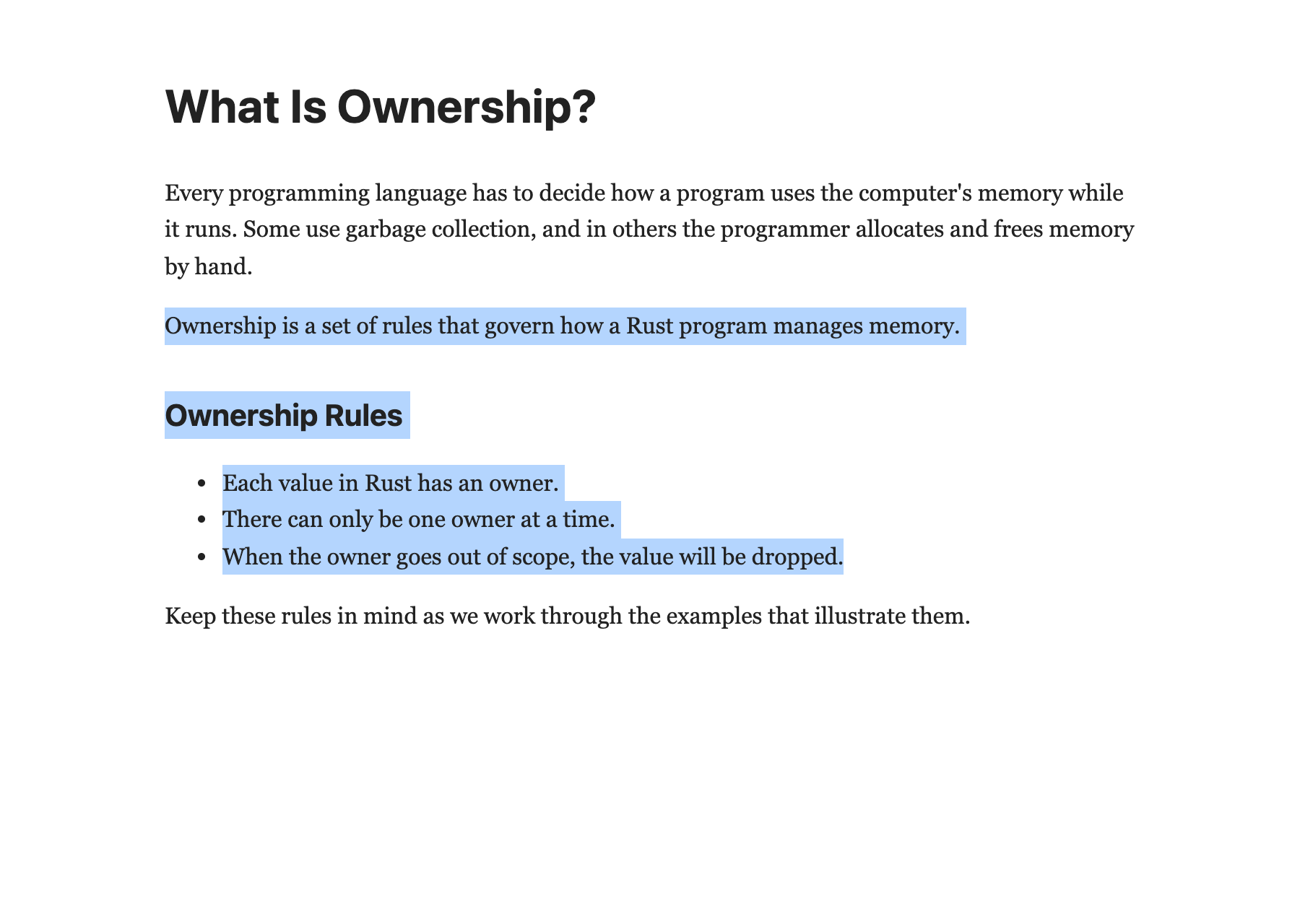
Clicking the bookmarklet with nothing selected saves just a link to the page.
Adding a comment
If Capture Comment in Browser is on for the clipper, a box opens on the page when you click the bookmarklet. Type your comment and click Submit.
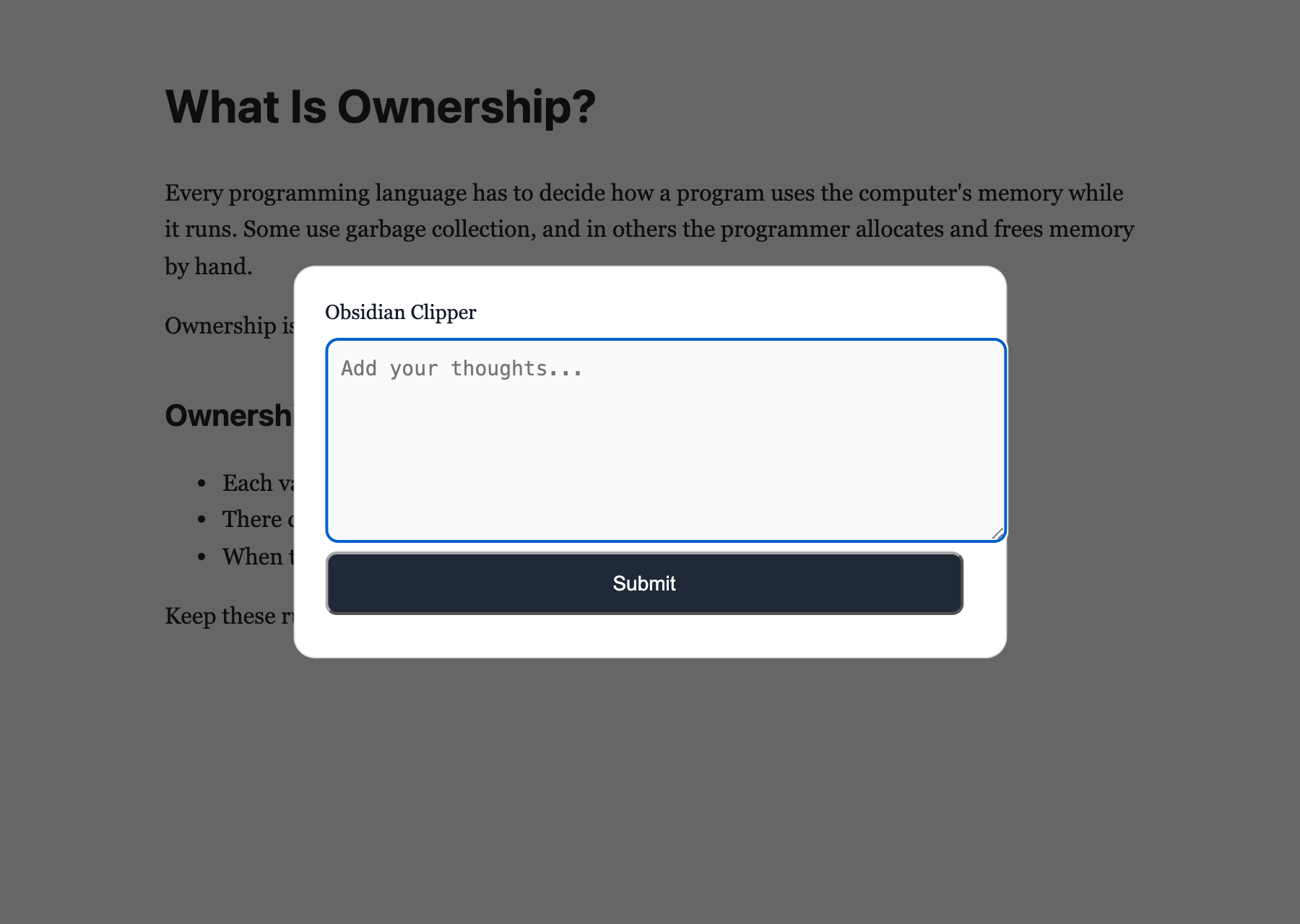
The box has no cancel button. To abandon the clipping, reload the page.
What gets converted
The bookmarklet converts the selection to Markdown in your browser before sending it.
- Bold, italic, inline code, code blocks, lists, quotes, and horizontal rules.
- Links, with relative links made absolute using the page's address.
mailto:andtel:links are kept as written. - Tables become Markdown tables, with column alignment kept when the page sets it with the
alignattribute. A table without a header row gets an empty one. - Headings are nested below the clipper's heading, based on Header Level:
| Header Level | Page h1 | h2 | h3 | h4 | h5 and h6 |
|---|---|---|---|---|---|
# | ## | ### | #### | ##### | ###### |
## | ### | #### | ##### | ###### | ###### |
### | #### | ##### | ###### | ###### | ###### |
Headings never go deeper than ######, the deepest Markdown heading.
Chrome on Windows
Chrome and Edge on Windows limit the length of the link the bookmarklet sends to Obsidian to 2000 characters. A longer selection shows an alert and nothing is sent. Select less text, or use Firefox, which doesn't have the limit.
Chrome-based browsers without bookmarklets
Some browsers, such as Arc, don't run bookmarklets. Generate an extension for the clipper from the Browser tab instead.