Canvas clippers
A canvas clipper adds each clipping to a canvas as a card, grouped under a card for the website it came from.
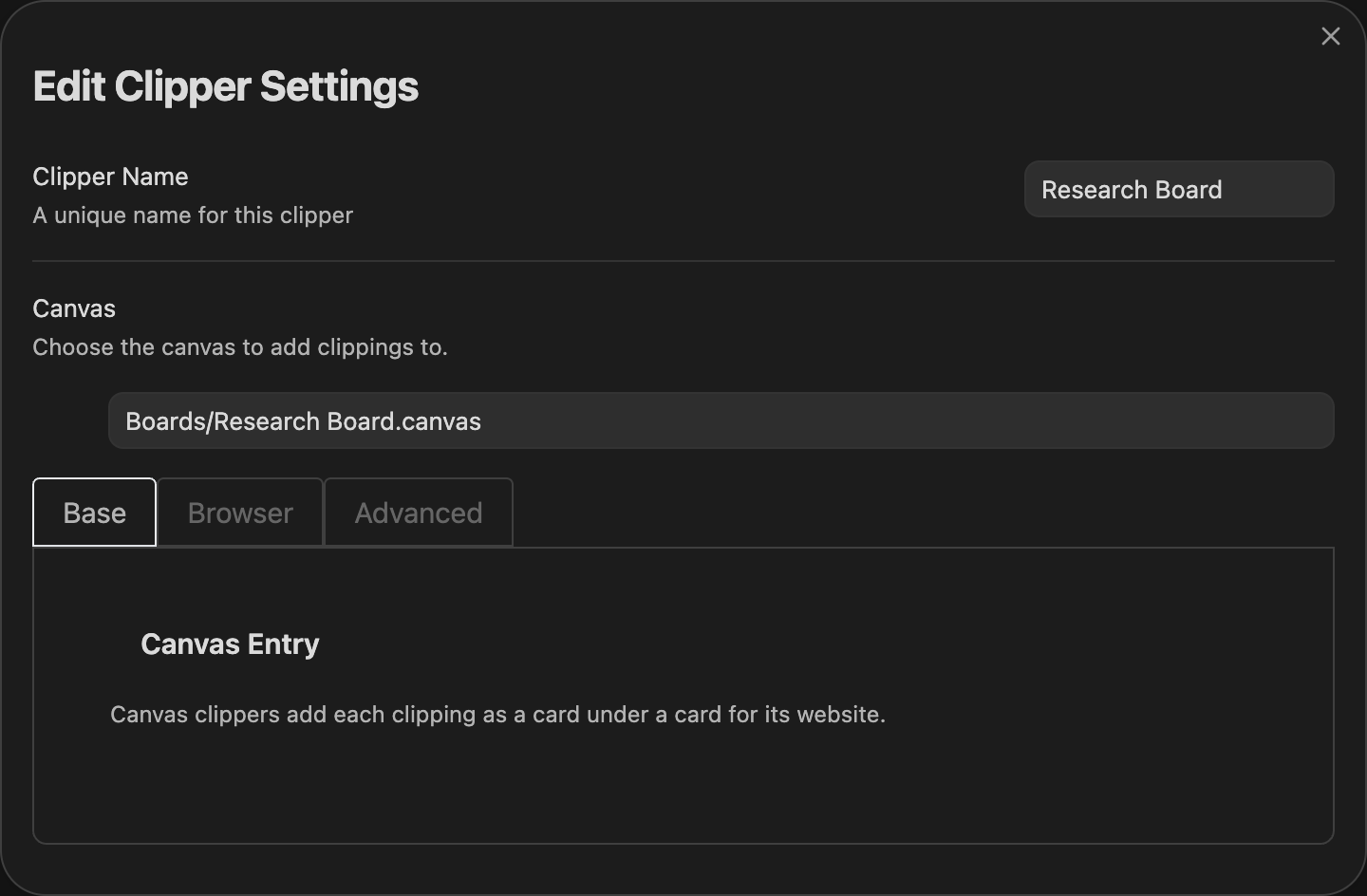
Pick the canvas in Canvas at the top of the clipper's settings. The list shows only .canvas files. Click the canvas in the list to save it.
How clippings are placed
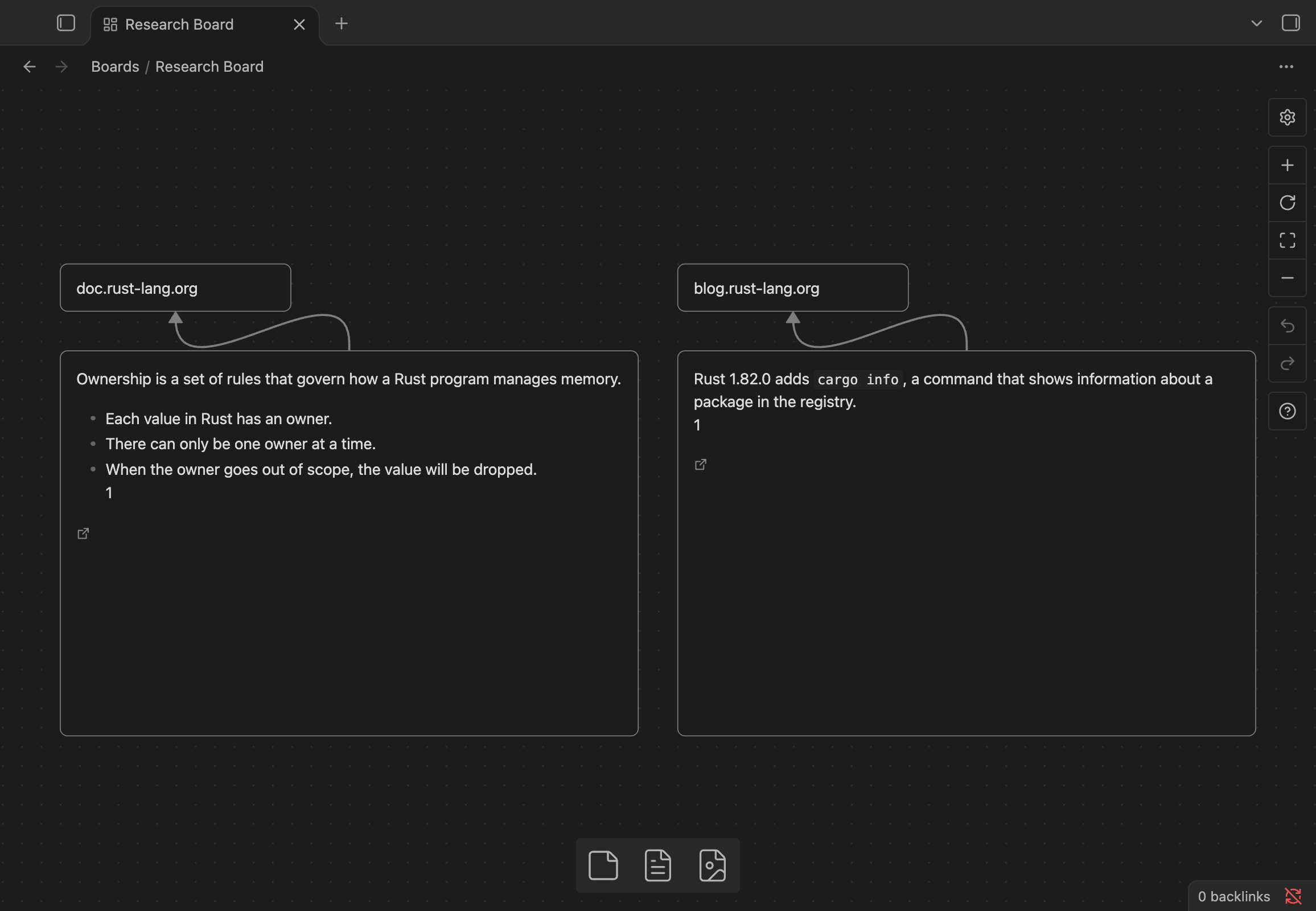
- The site card. The first clipping from a website adds a small card with the site's host name, for example
doc.rust-lang.org. A new site's card goes to the right of everything already on the canvas. - The clipping card. Each clipping becomes a card below its site card, connected to it by an arrow. Later clippings from the same site stack below the earlier ones.
- Your layout stays. Clipper only positions the cards it adds. It never moves, resizes, or restyles cards that are already on the canvas, including file, link, and group cards. If a new card would overlap something, it moves down until it fits.
Each card holds the clipped text and a link to the page.
Settings
A canvas clipper's Base tab has no settings: headings, position, templates, tags, and date formats only apply to notes. The Browser and Advanced tabs work the same as for other clippers.
Canvas clippers need a selection. Clicking the bookmarklet with nothing selected shows an error notice.